

Your Creative
Workspace,
Just Got Better.
Bring your team, briefs, and creative partners into one shared workspace, so each request can move from clear direction to finished work.

Your Creative Stack, Simplified
Everything your team needs to brief, track, and refine creative work in one place.
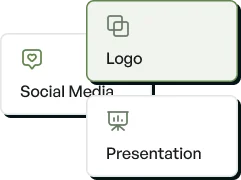
Brief once,
move faster
Submit a single brief and let your brand-savvy team handle the rest with speed.
Collaboration
that stays aligned
Everyone works in one shared view, making collaboration faster and alignment effortless.
One partner, full visibility
With full visibility into projects, scope, and delivery, planning becomes simpler and creative output stays consistent.

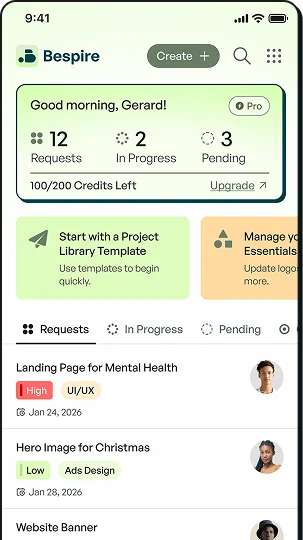
From brief to delivery, with a clear rhythm
A shared process clarifies what is needed, how work is reviewed, and what gets delivered.

Set your brand foundations
Add guidelines, references, and goals. We build a clear brand profile your team uses on every request.
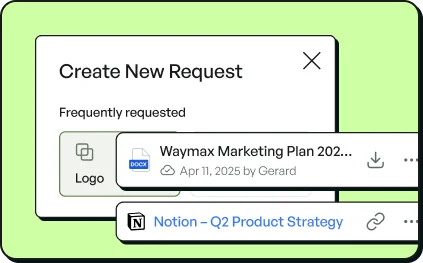
Submit requests in minutes
Use guided forms for social, web, ads, decks, motion, and more. You provide the essentials once, and the rest stays consistent.
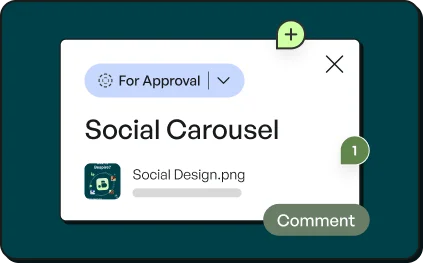
Review and refine in one place
Your Bespire team shares iterations in the portal. Comment, compare versions, and keep stakeholders aligned without extra coordination.
Approve and ship
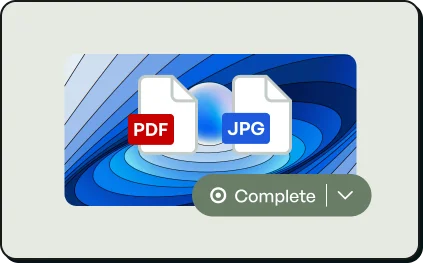
Approve final deliverables and download production ready files from the Workspace. Then queue the next project with the same rhythm.
Built for Brands That Move Fast
A workspace built around delivery, not admin.
Ask a Bespire Expert
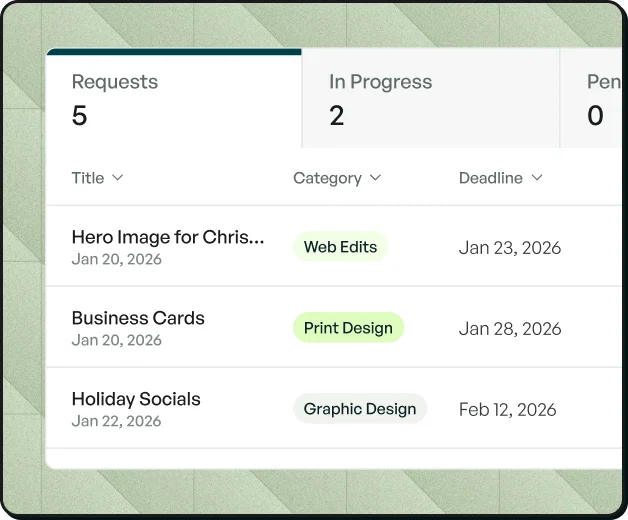
Have a question about Bespire Workspace? Your success manager will guide you through best practices, platform navigation, and the fastest path to launch-ready deliverables.

Workflow Enhancers
Thoughtful details that keep delivery smooth and teams confident.

Brand Management
Organize brand assets and guidelines such as logos and colors

Access Control
Assign roles to your team for review and approval access.

Status Tracking
View queued, active, review, and approved tasks.

Brief Templates
Save and reuse inputs for faster requests.

Request List
Organize versions and repurpose past creative wins.

Usage Insights
Track requests, scope, and upcoming work.

Priority Routing
Highlight urgent projects with clear delivery order.

Secure Payment
Pay directly on platform with security-first system.
Bespire Workspace FAQs
Answers to help you understand how Bespire fits into your creative workflow.
What exactly is Bespire Workspace?
Bespire Workspace is your portal for managing creative projects with Bespire. You submit requests, track progress, collaborate on feedback, and access final files in one place.
Can my team collaborate inside the Workspace?
You can collaborate with teammates in the Workspace. Available access and actions depend on the account setup; project briefs, comments, and files stay connected to their requests.
Who will I be working with day to day?
A Success Manager helps organize priorities and communication, while the creative team works on the deliverables included in your agreed scope.
How is work scoped across different services?
Each request sits inside the monthly scope we agreed—or a separate project if it is outside that mix. You see the brief, status, and files before anything is marked done.
What are typical turnaround times?
Timing depends on the deliverables, complexity, and feedback cycle. Your Success Manager confirms expectations for each request, and progress is visible in the Workspace.
How do I know my projects are being prioritized correctly?
Requests are planned around the priorities and capacity in your agreed scope. Share priority changes with your Success Manager so the team can confirm their effect on timing.
Where do we communicate on a daily basis?
Use the request’s Workspace comments to keep project feedback and files in context. Notification emails may alert you to activity and link back to the relevant request.
Need more answers?
Contact Us Here


Your next step
Make your next marketing move clearer
Tell us what your team is working toward. We’ll help shape the right scope, specialists, and next steps.